News Management
Table of contents
News Management
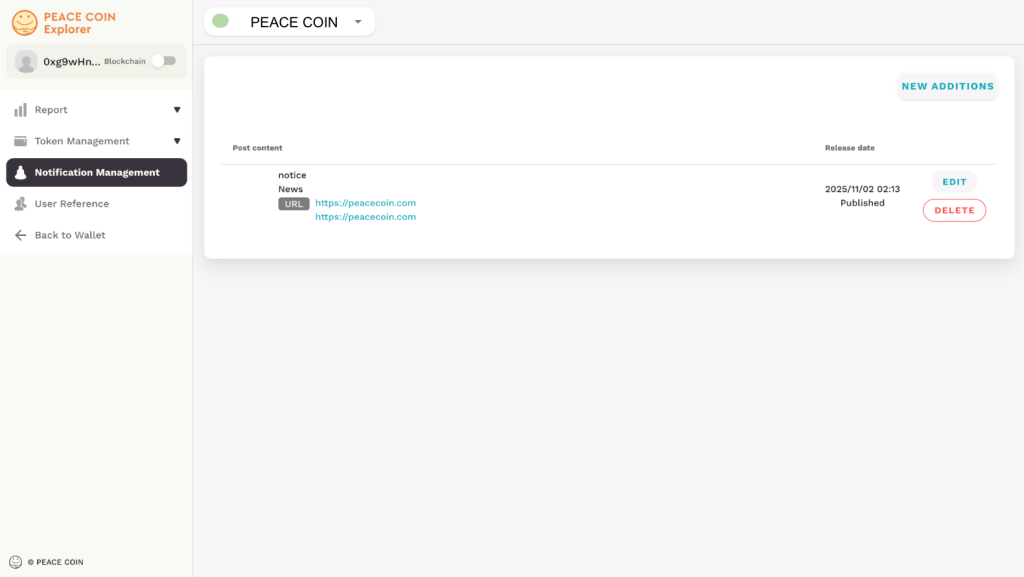
If you select ’News Management,’ the following screen will be displayed.
If there are any notifications, they will be displayed on the screen.
You can also send out notifications regarding community in formation and tokens.
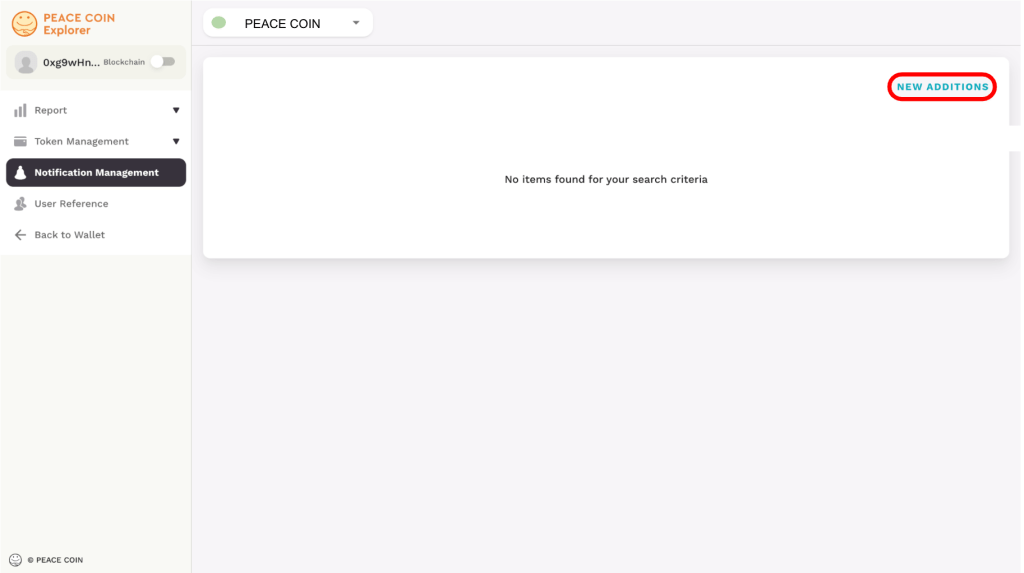
Add New Notification
To send out community information or announcements about tokens, tap ‘ADD’ on the right.
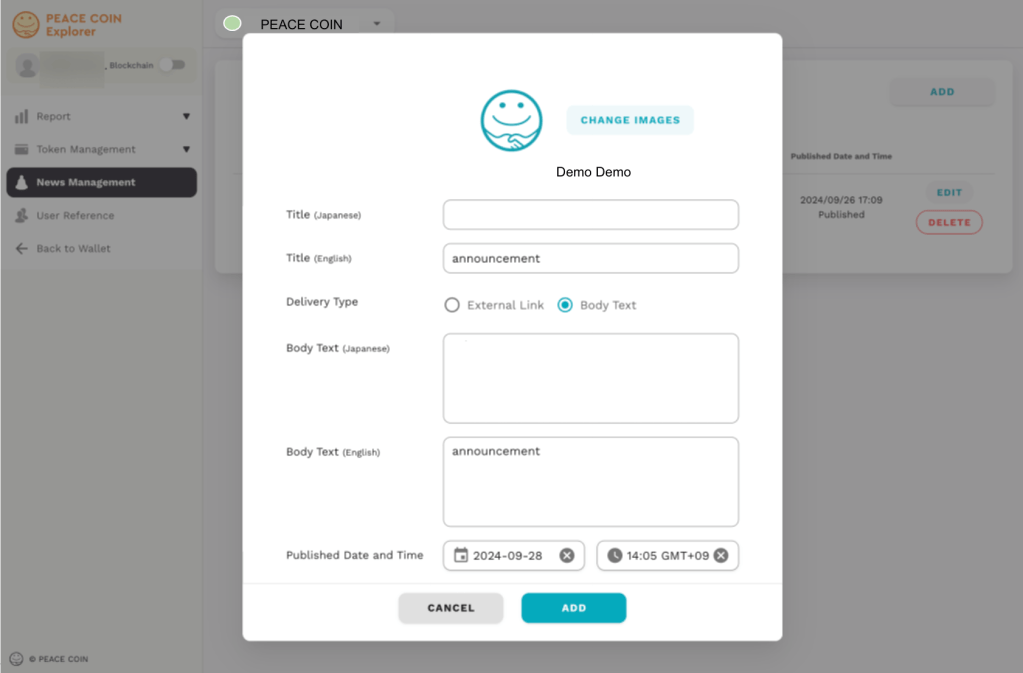
If you select ‘ADD,’ the following screen will be displayed. First, set the top image for the announcement. Tap ‘Change Image,’ choose your preferred image, and upload it.
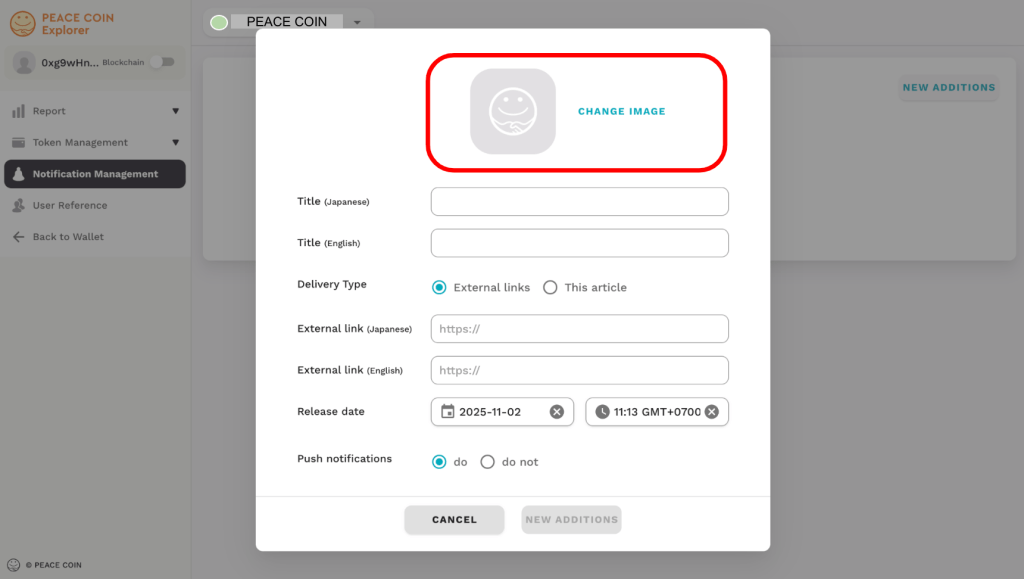
Enter the ‘Title’ of your announcement. By entering it in Japanese as well as English, you can let more users know about your community.
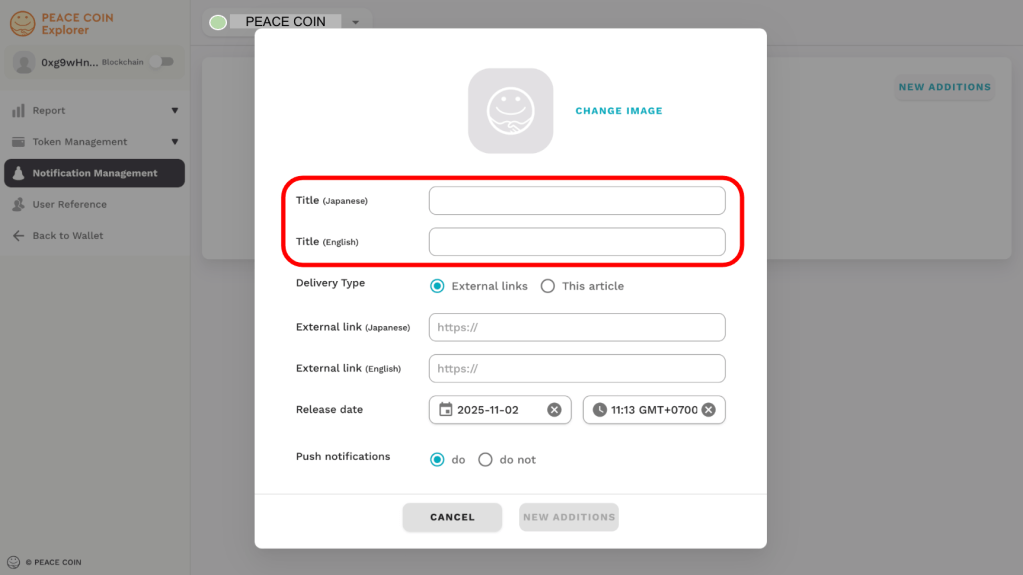
You can choose from two types of ‘Delivery Type (content)’ for your announcement. You can also change Delivery Type based on the content and the attributes of the community. When you choose the ‘External Link’ for Delivery Type, paste the related URL.
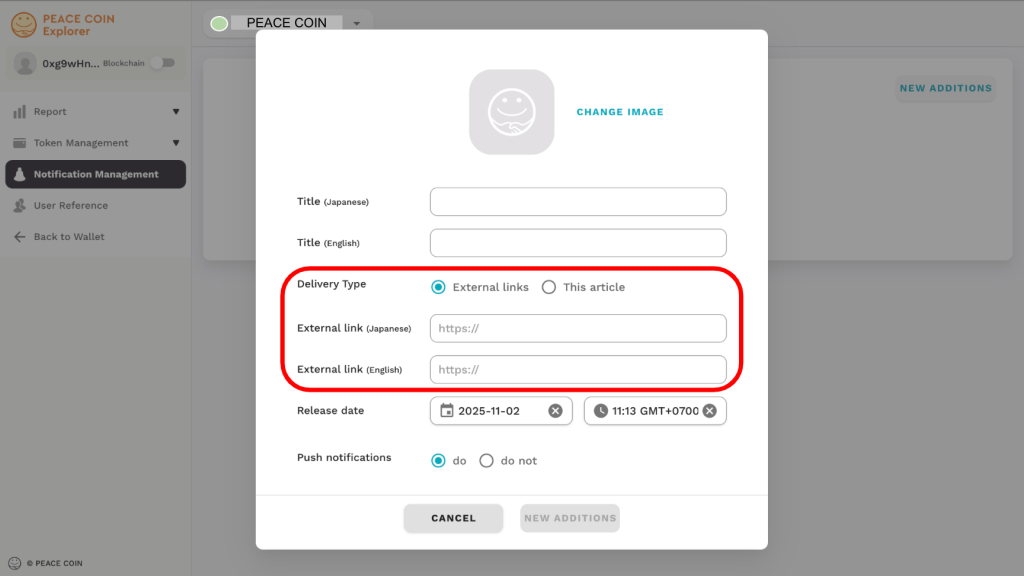
When selecting ‘Body Text’ for Delivery Type, you can enter the text directly.
By entering Japanese as well as English, you can let more users know about your community.

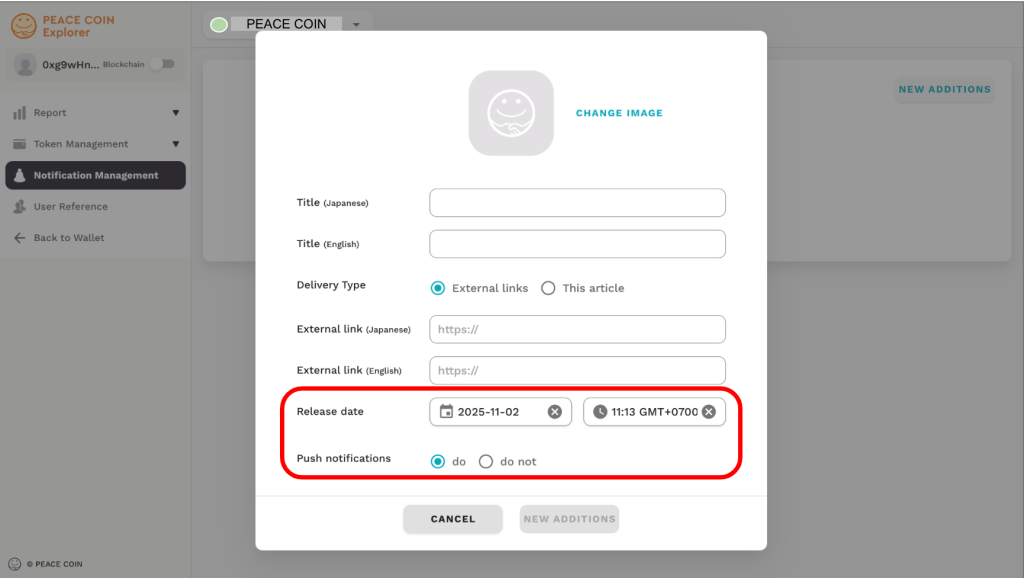
You can easily set the “Publication Date and Time” by simply selecting the calendar and time. If you select “Enable” push notifications, users will be notified when the announcement is published.
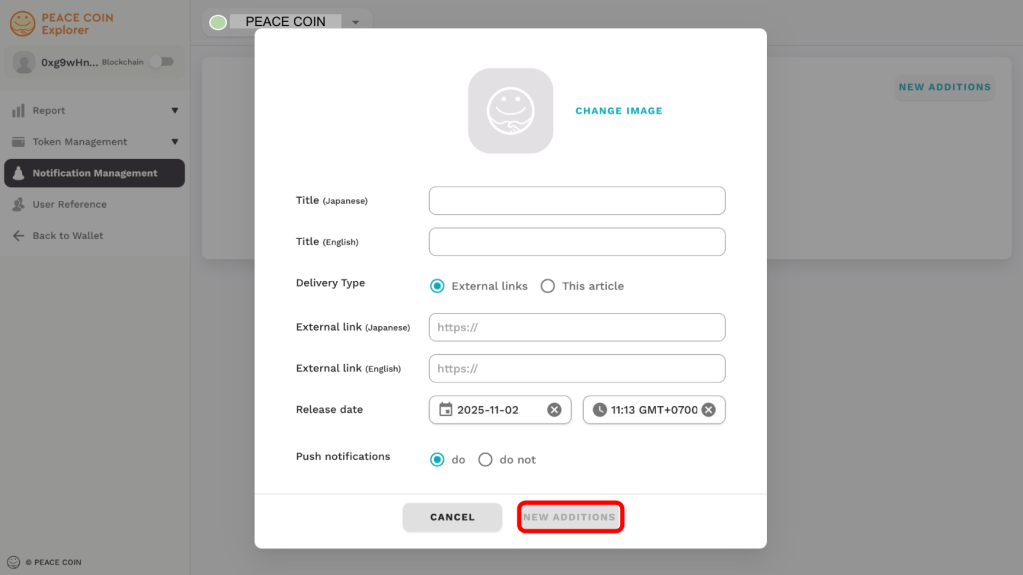
Please check the contents of your announcement, and if there are no changes required, tap ‘ADD.’ Your announcement publication settings will then be completed.

Edit/delete announcements
You can edit pre-published/published announcements on the announcement management screen.
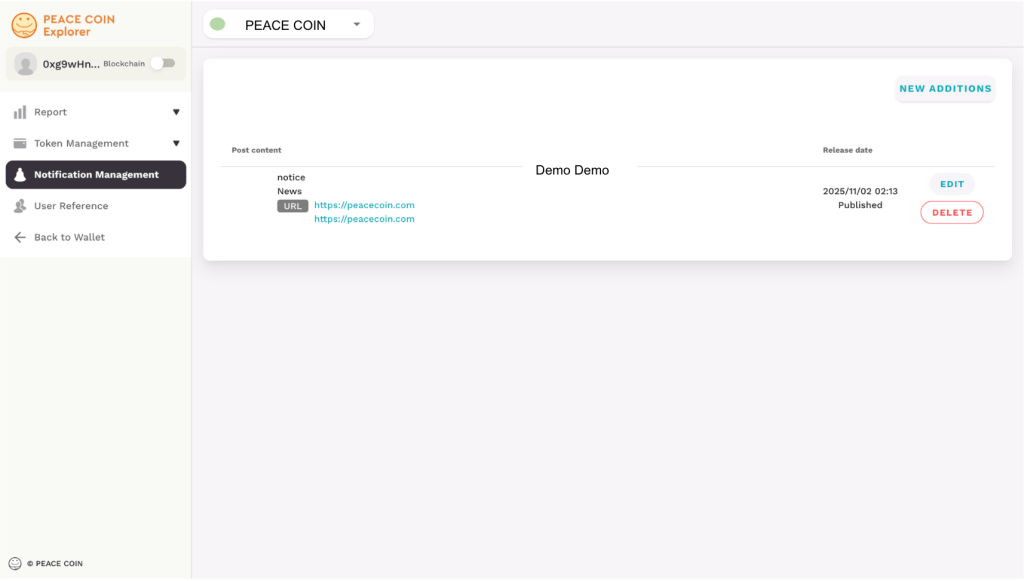
You can edit it by selecting Edit below.
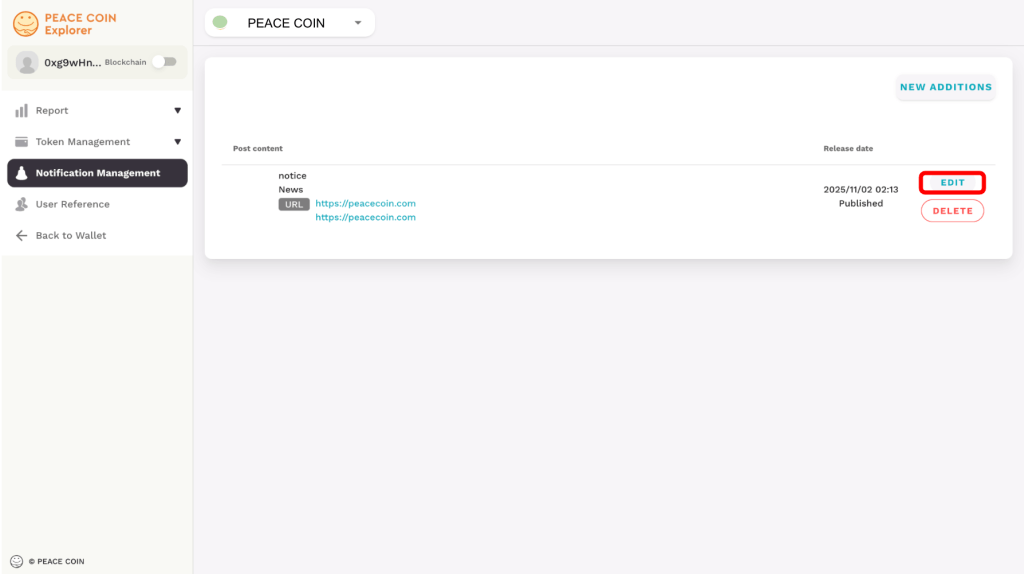
You can edit the announcement.
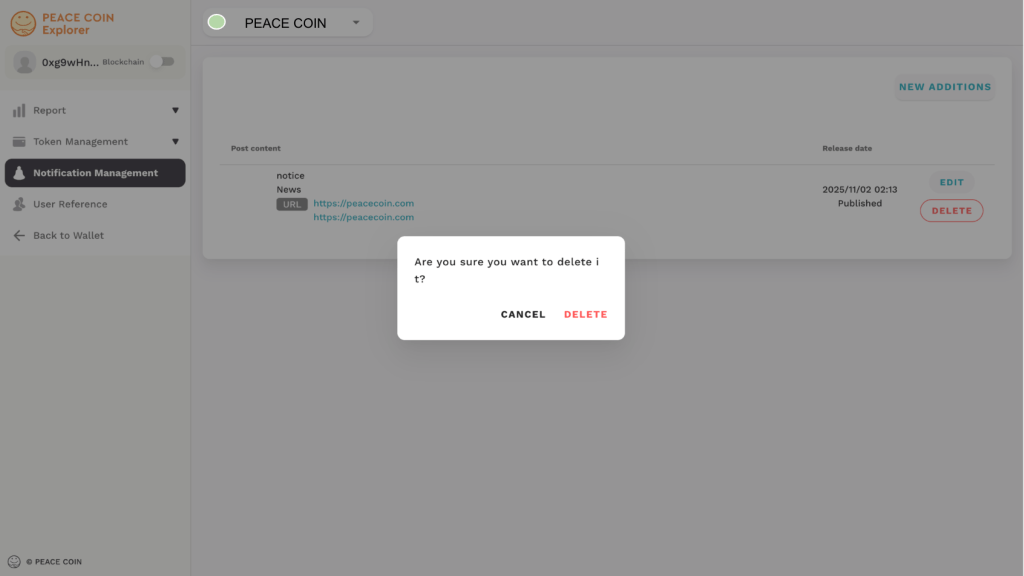
To delete a notification, please tap ‘DELETE’ button.
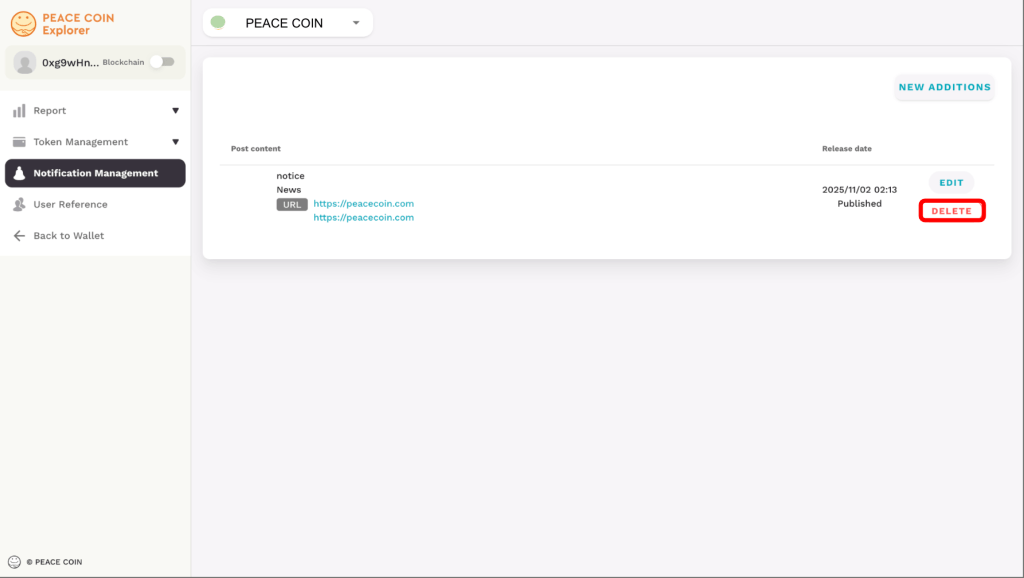
A reminder will appear to confirm the deletion.
If you are sure you want to delete, select Delete to complete the process.
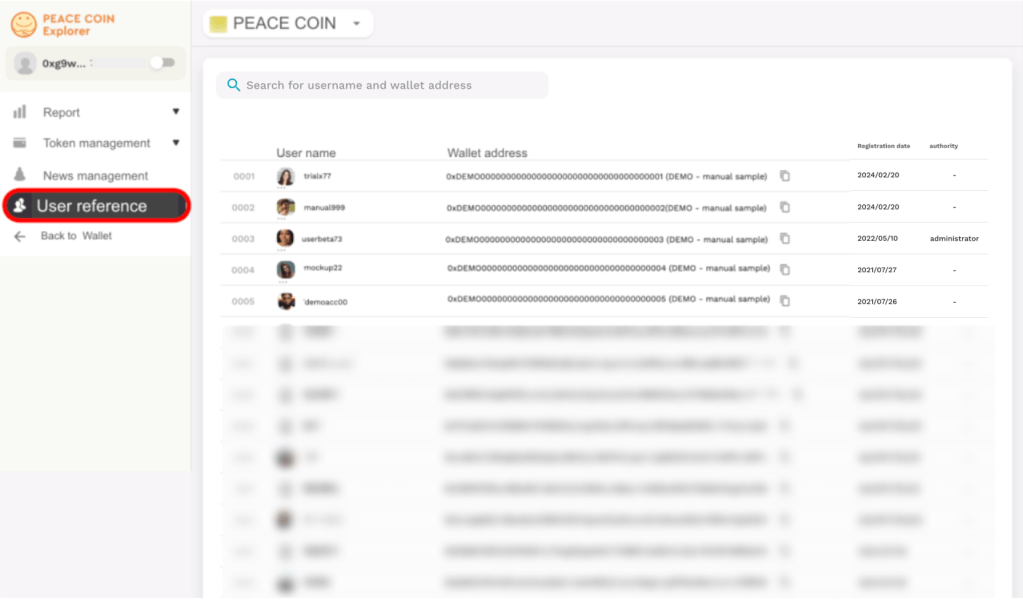
User Reference
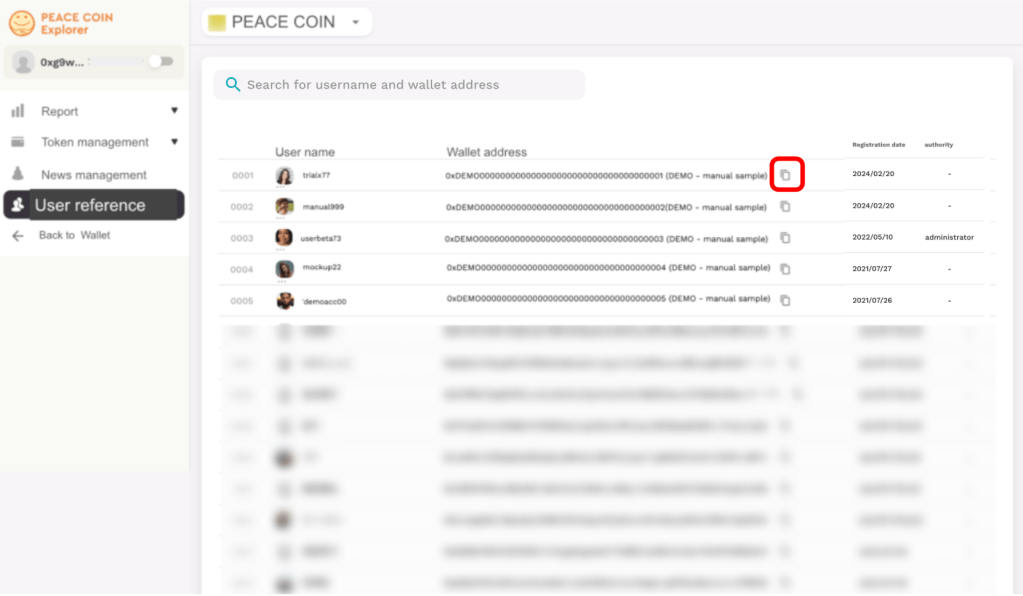
Select User Reference from the left sidebar menu.
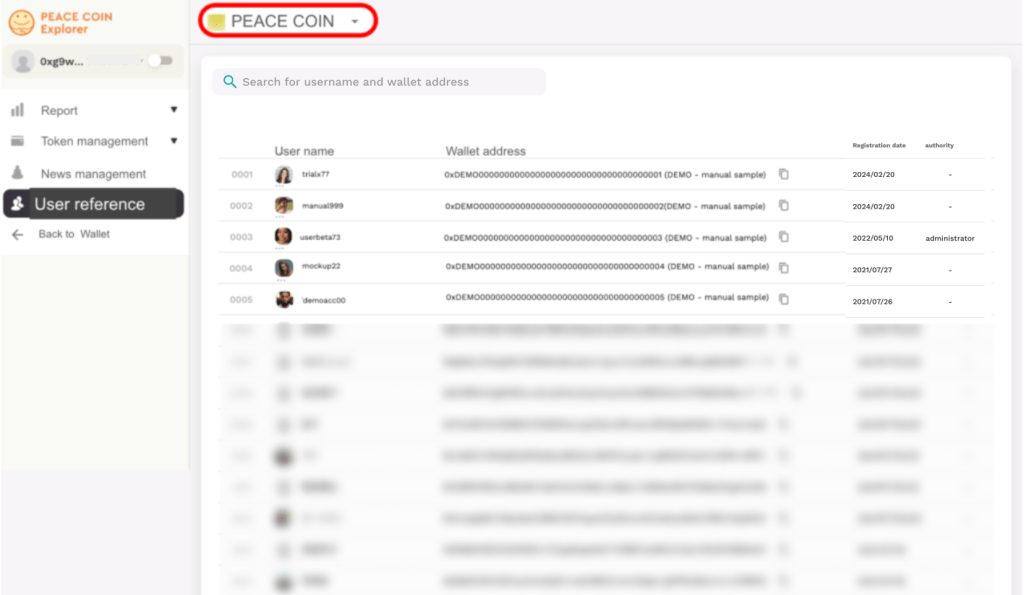
By selecting a token, you can view the users for each token.
Let’s see the example of PEACE COIN!
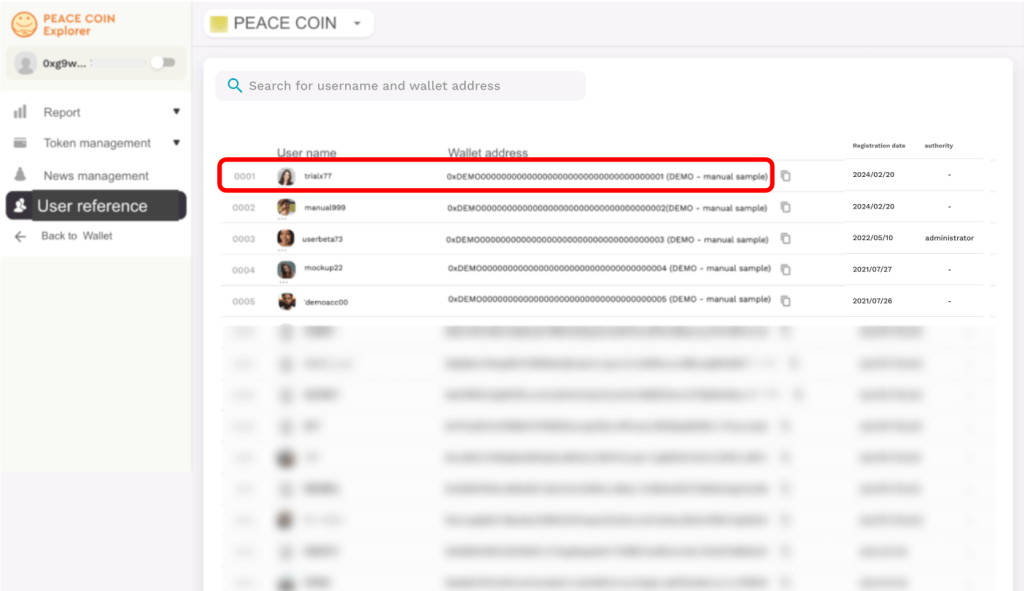
If you know the username or wallet address in advance, you can search for it.

Click on the relevant username and wallet address.
The following page will be displayed.
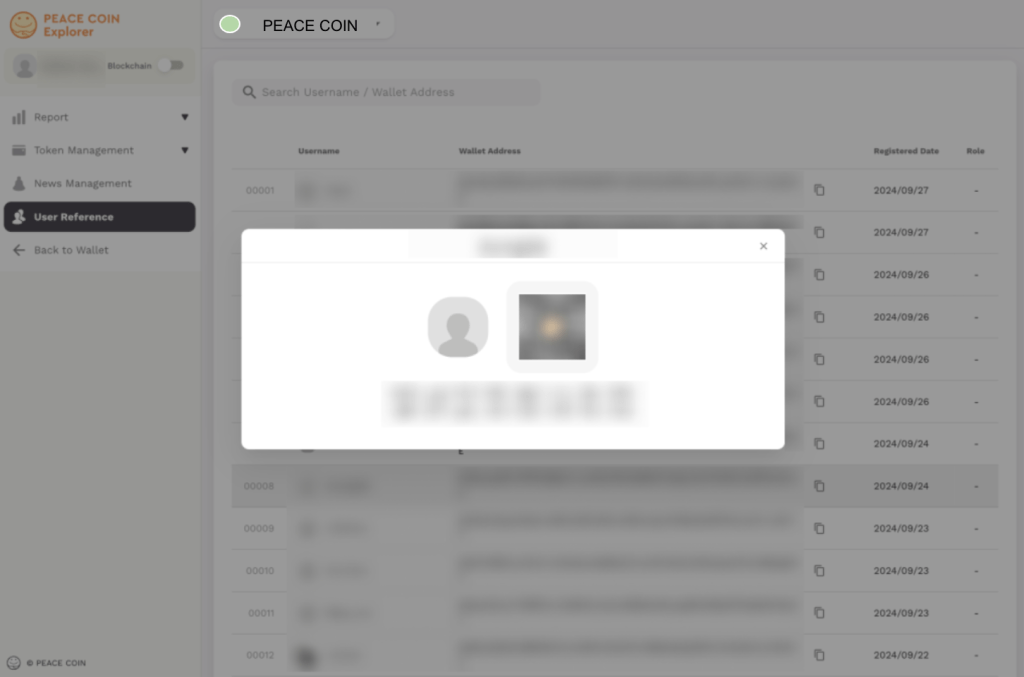
You can copy their wallet address by selecting below.