
Log in
Table of contents
Log in
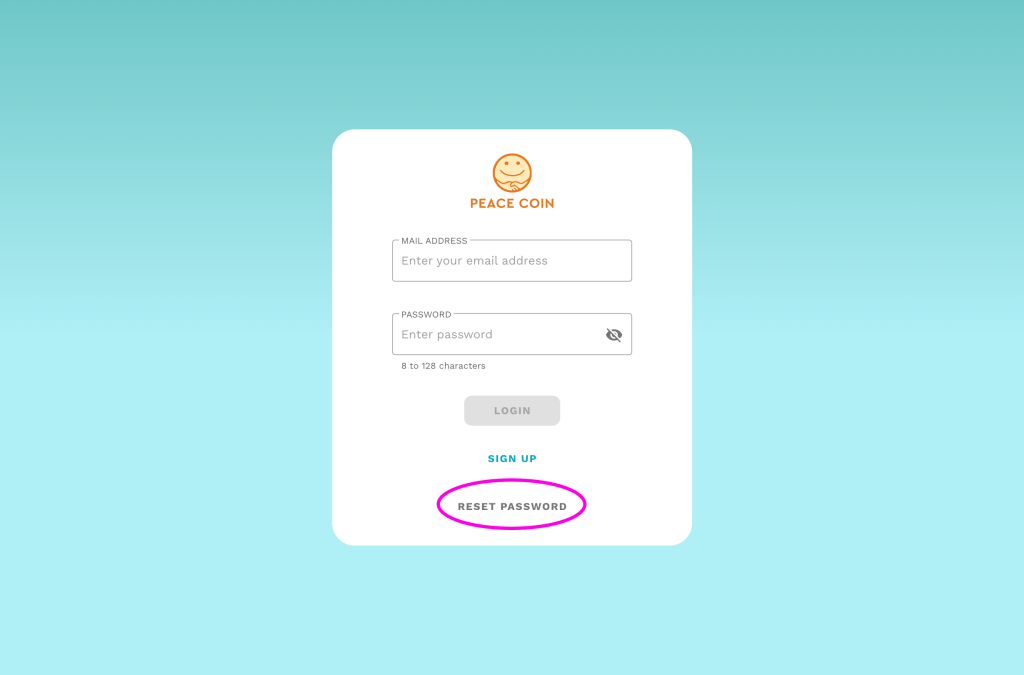
Open the login screen.
If you already have an account, please enter the registered email address and password.
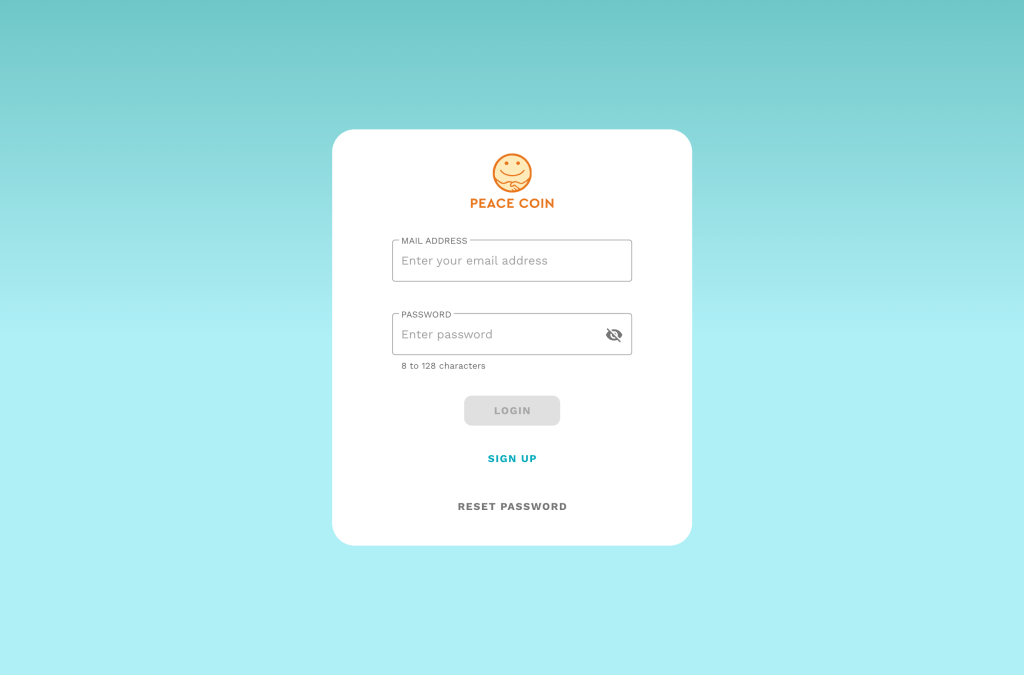
If you don’t have an account
If you haven’t registered yet, please tap the ‘SIGN UP’ button.
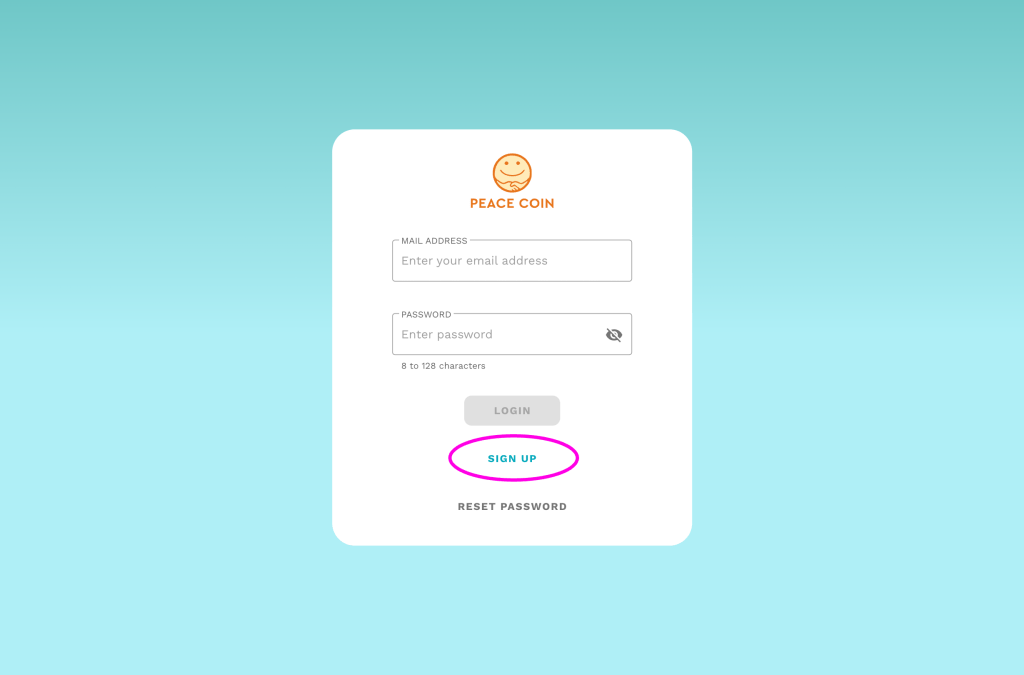
The following screen will be displayed.
Please enter your ‘DISPLAY NAME’ (username), your email address, and set your password.
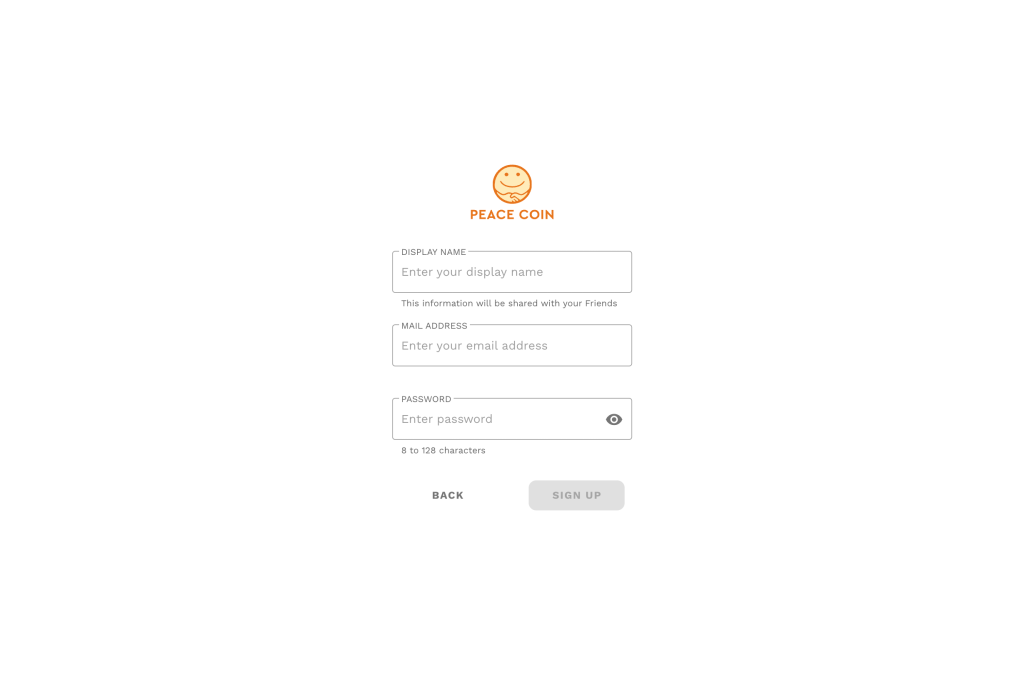
Tap the ‘SIGN UP’ button to complete the registration.
Then log in from the login screen.
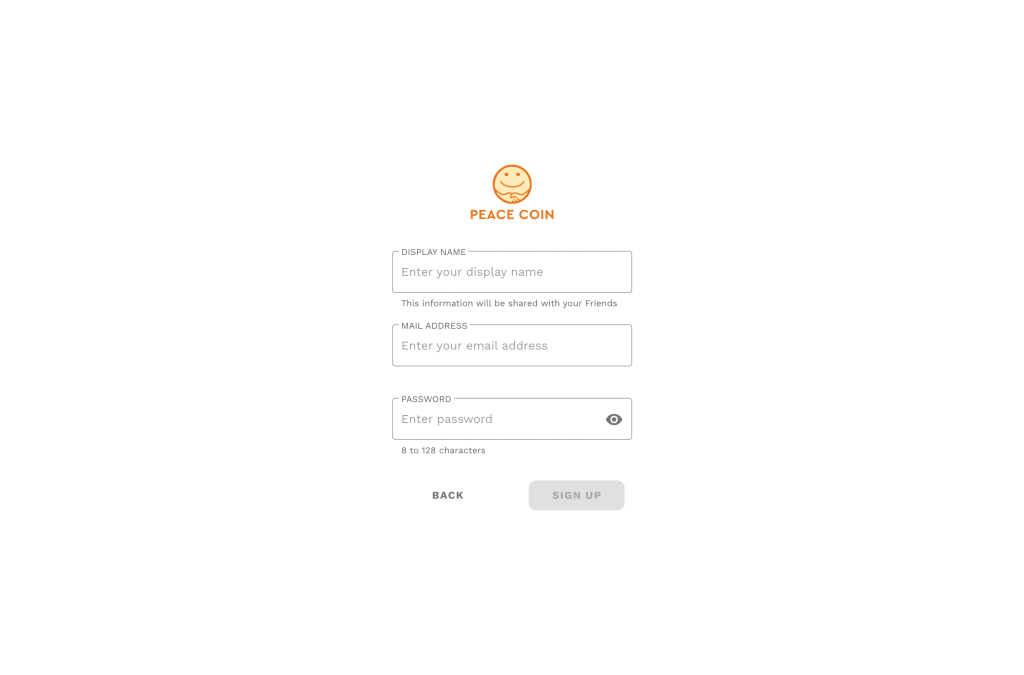
Reset Password
If you want to reset your password, tap the ‘RESET PASSWORD’ button below.
Log out
Go to the settings screen from the left sidebar menu, and you can log out by tapping the ‘LOG OUT’ button below.
