Manage token
Table of contents
Display the token management screen
Open the PEACE COIN Explorer screen.
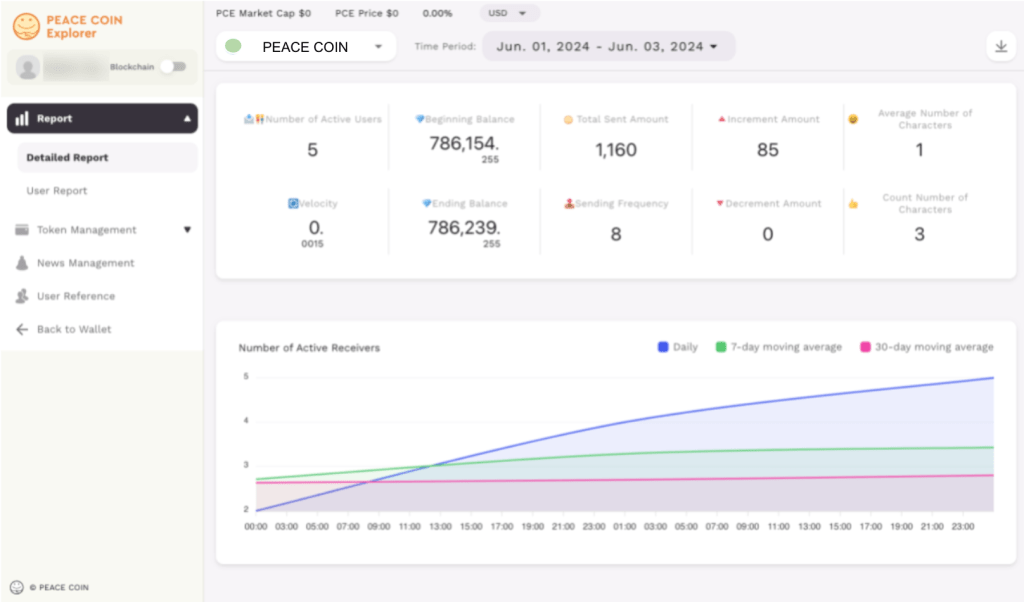
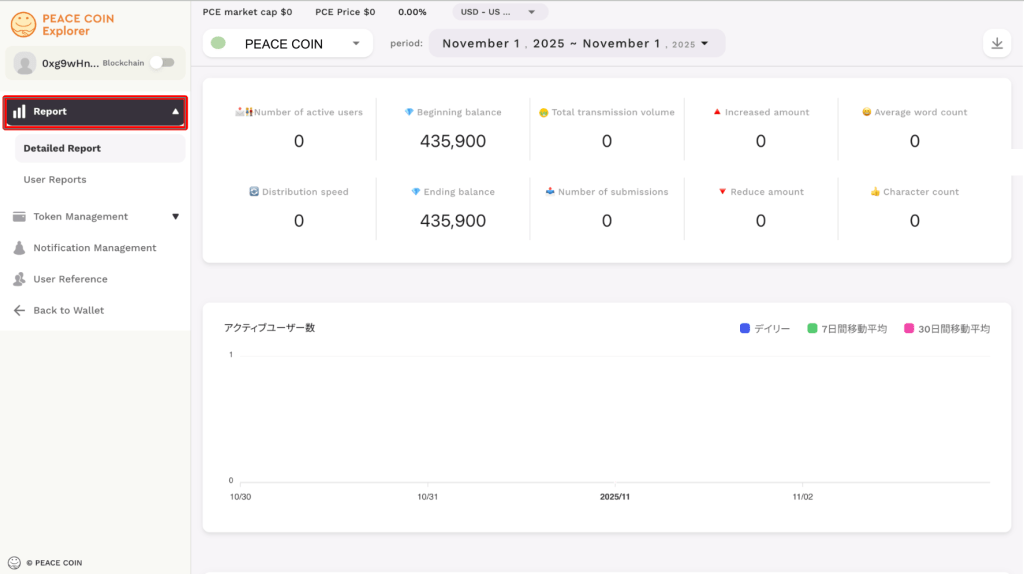
Select “Token Management” on the left side of the PEACE COIN Explorer screen.
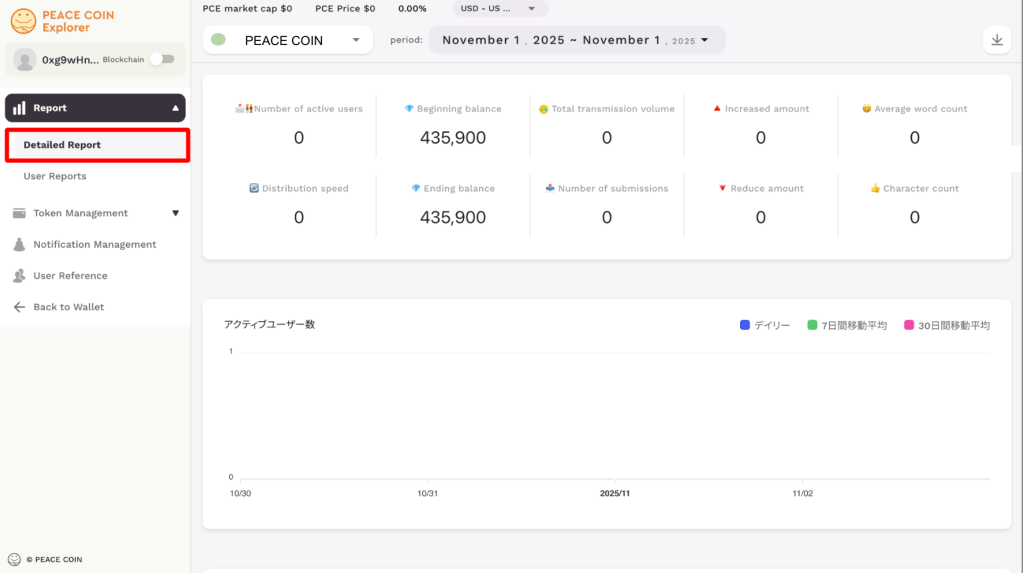
Edit Description
When you select Token Management, three tabs will appear: “Description,” “Token Distribution Code,” and “Swap.”
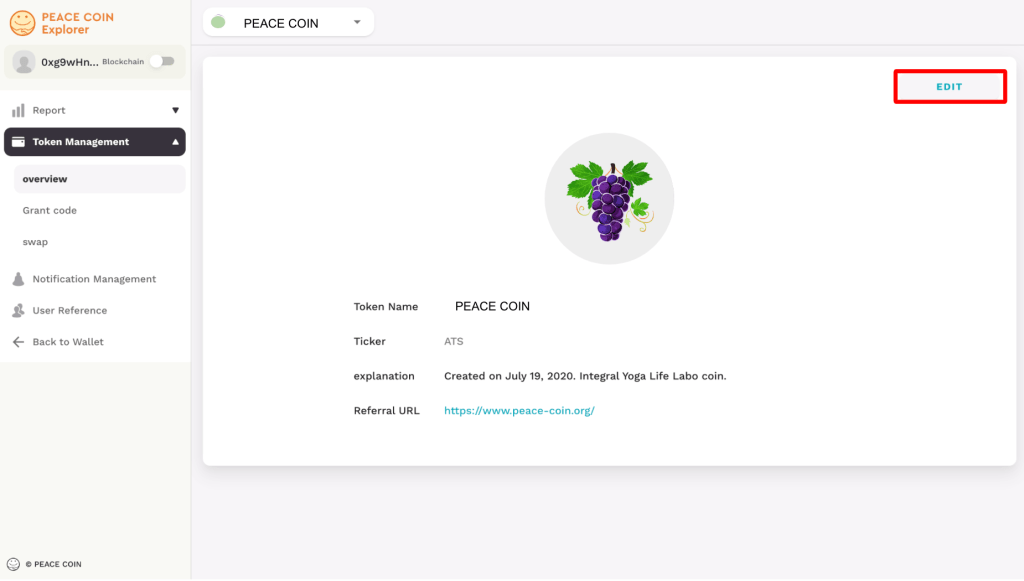
First, select “Description.”
You can set/edit your own token by selecting Edit on the right.
Tap ‘EDIT’.
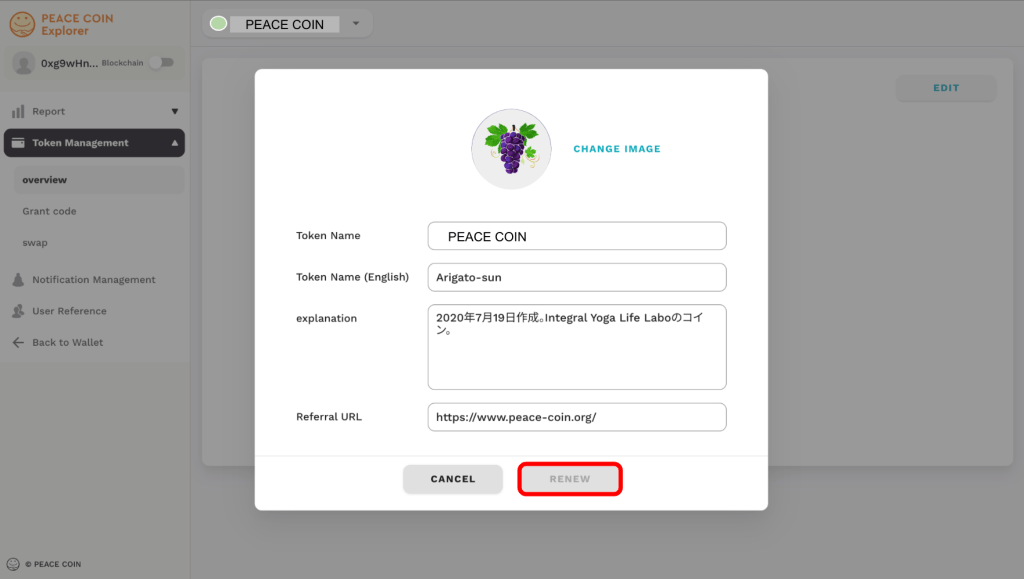
The settings/edit screen will appear.
Select “Change image” to change your token icon.
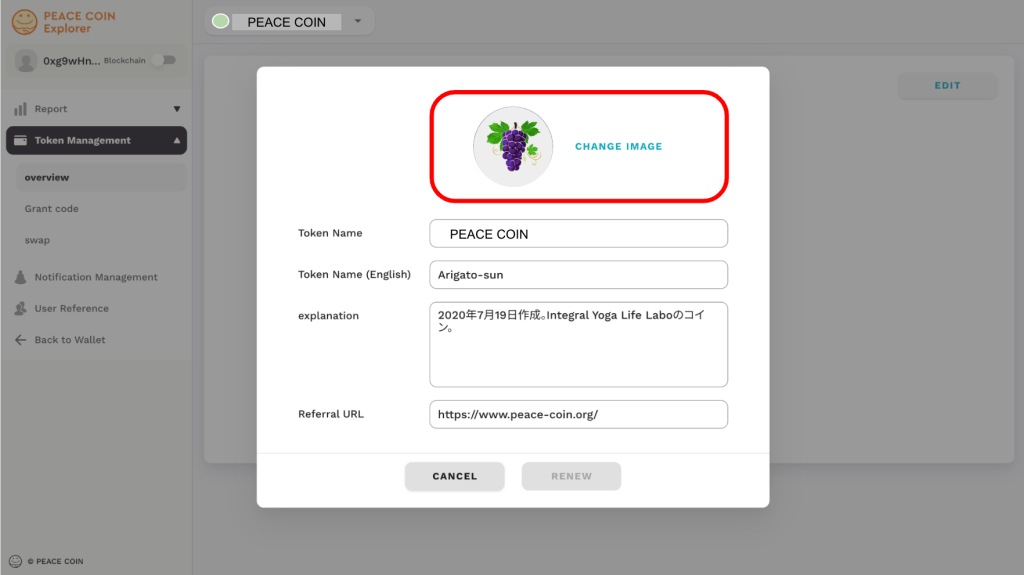
You can change the name of your token under Change Image.
You can set/change the name in two languages: Japanese and English.

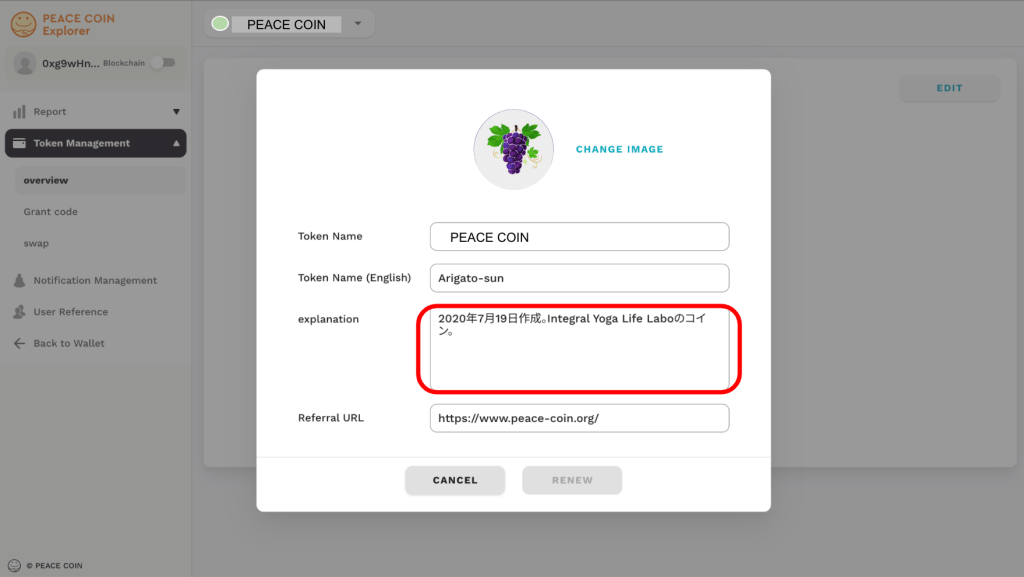
In the “Description” field, you can write a description of your token.
Try writing about the origin of the name and the characteristics of the token.
This will surely help create a bond between the token and the community.
You can set/edit the introductory URL.
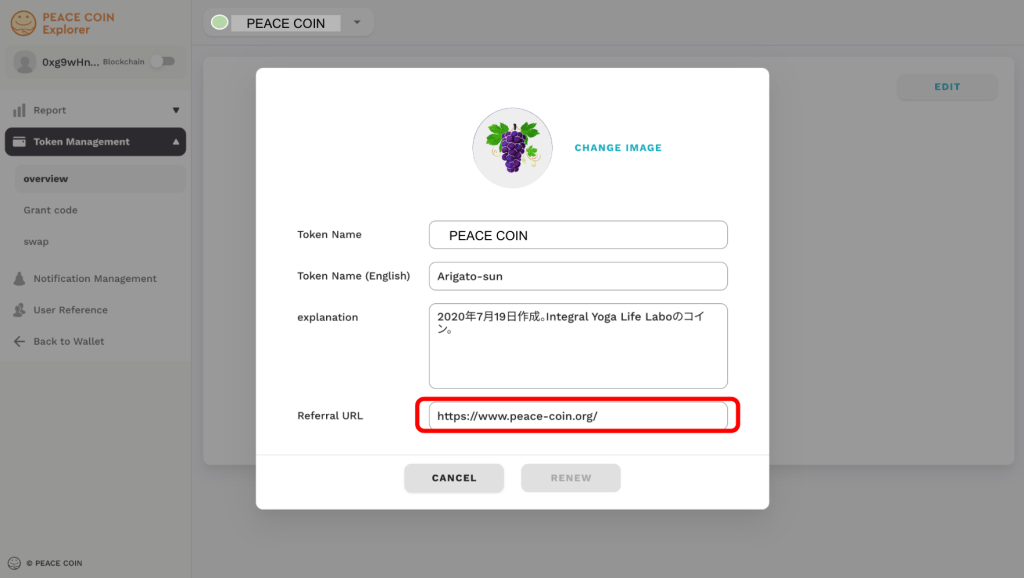
You can update your information by tapping ‘UPDATE’.
Token Distribution Code
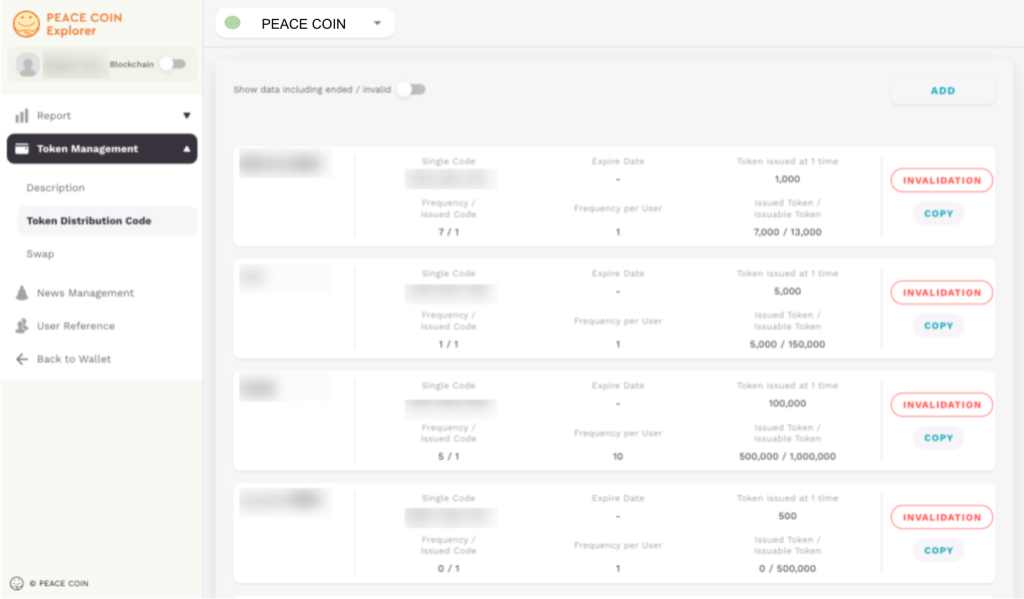
If you select “Token Distribution Code”, the following screen will appear.
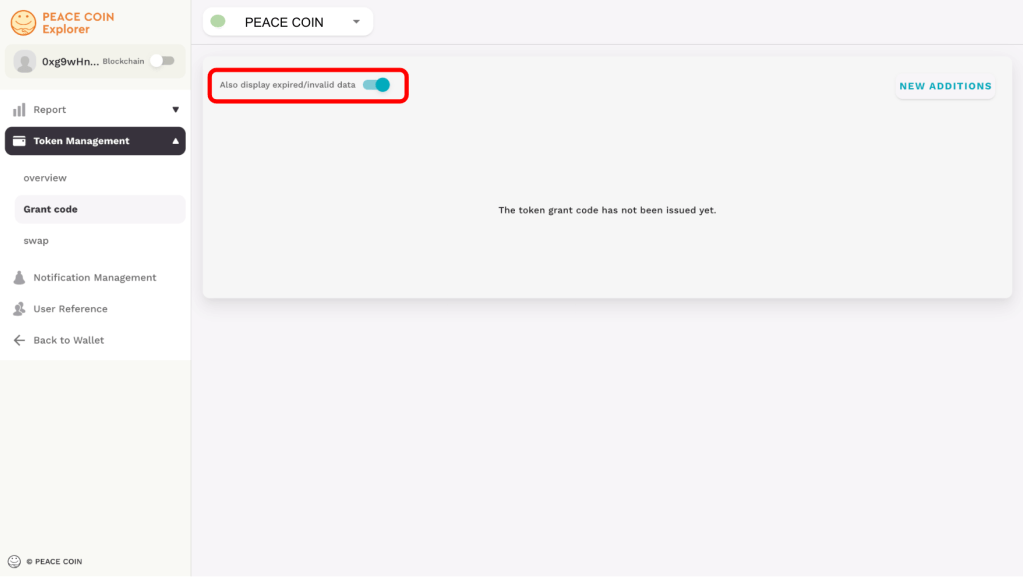
You can also check all data by selecting “Show expired/invalid data” on the token distribution code screen.
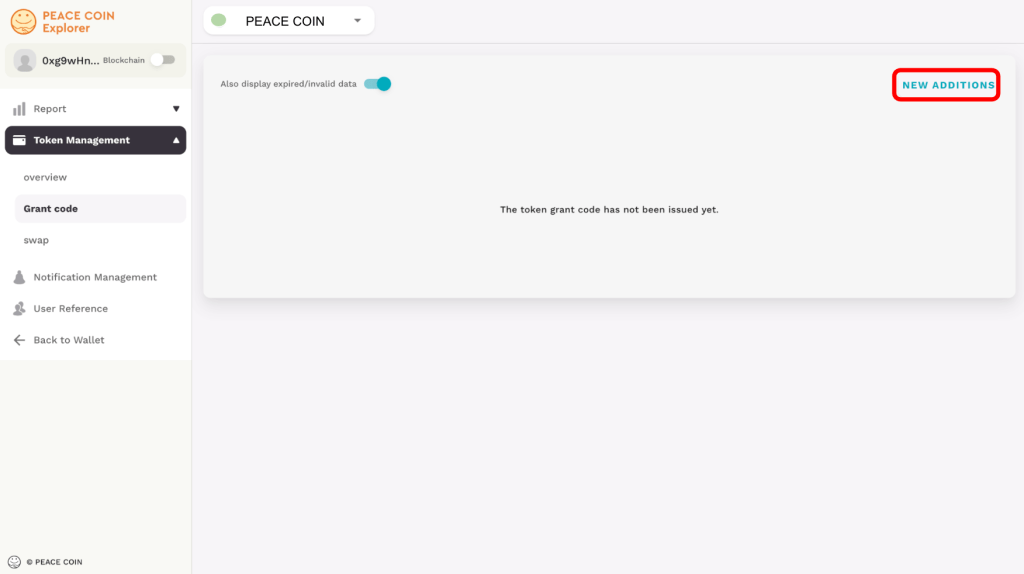
Select “ADD” on the top right.
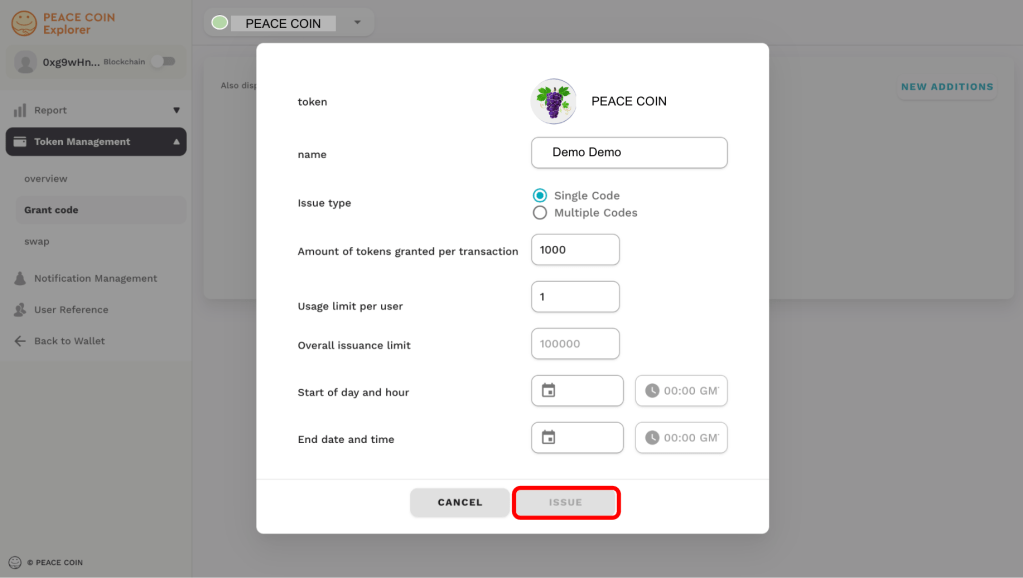
When you select “ADD” on the top right, the following screen will be displayed.
Enter the name of the code and select the type of issuance.

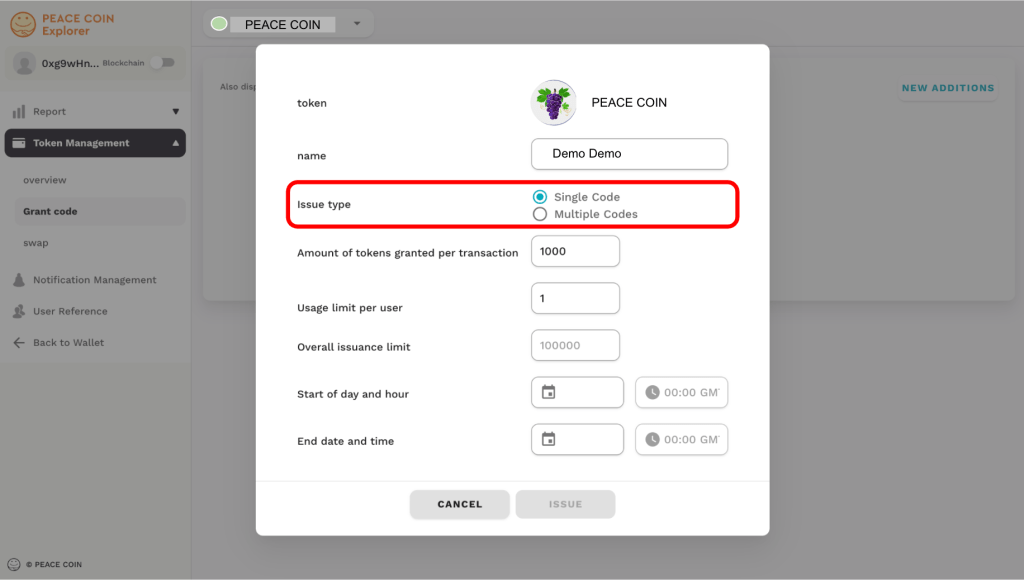
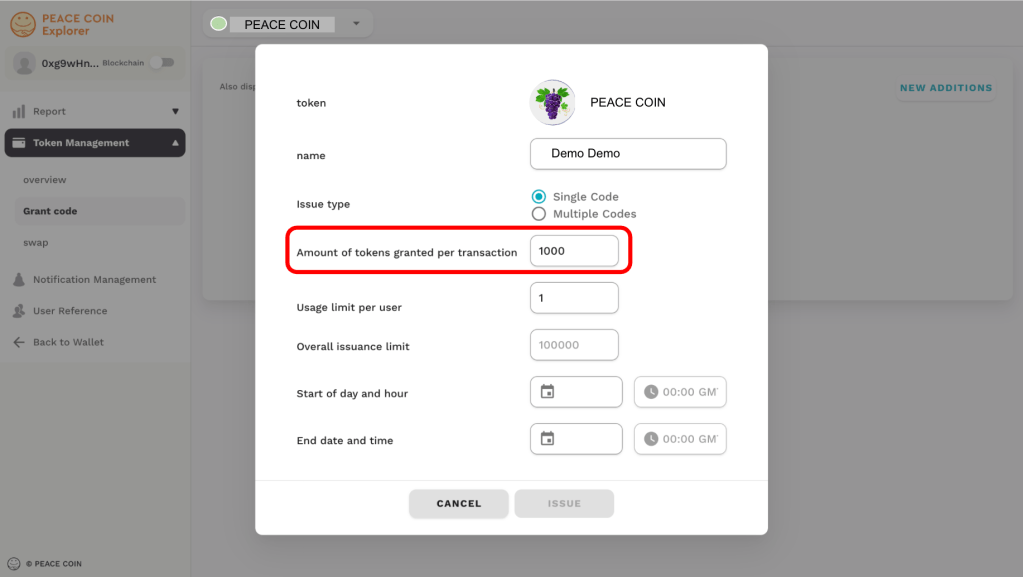
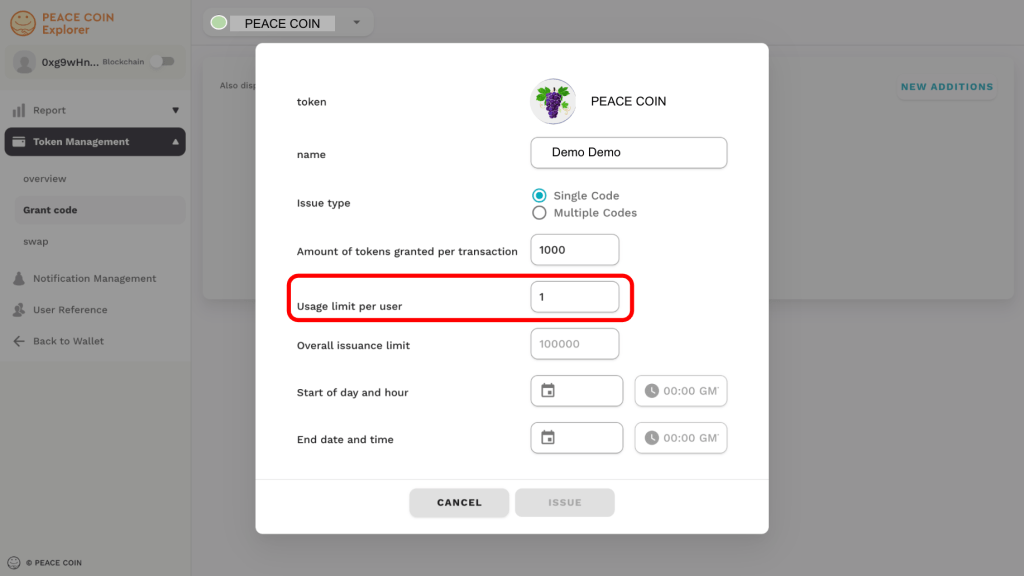
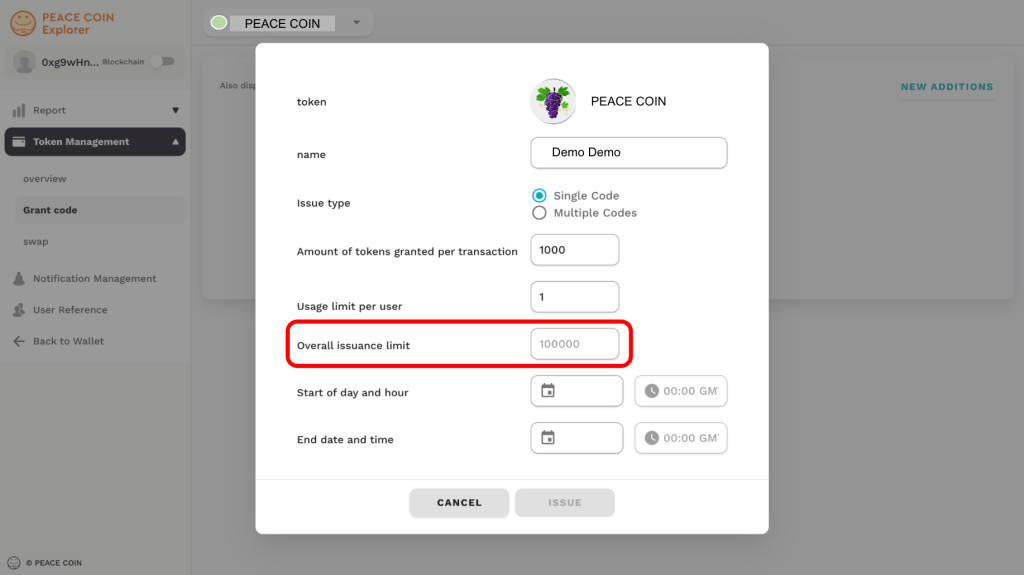
You can set the amount of tokens issued at one time, the frequency per user, and the issuable token amount.
You can set the expiration date for your token.
Start date and end date and time. Easy to set with calendar and time (GMT).

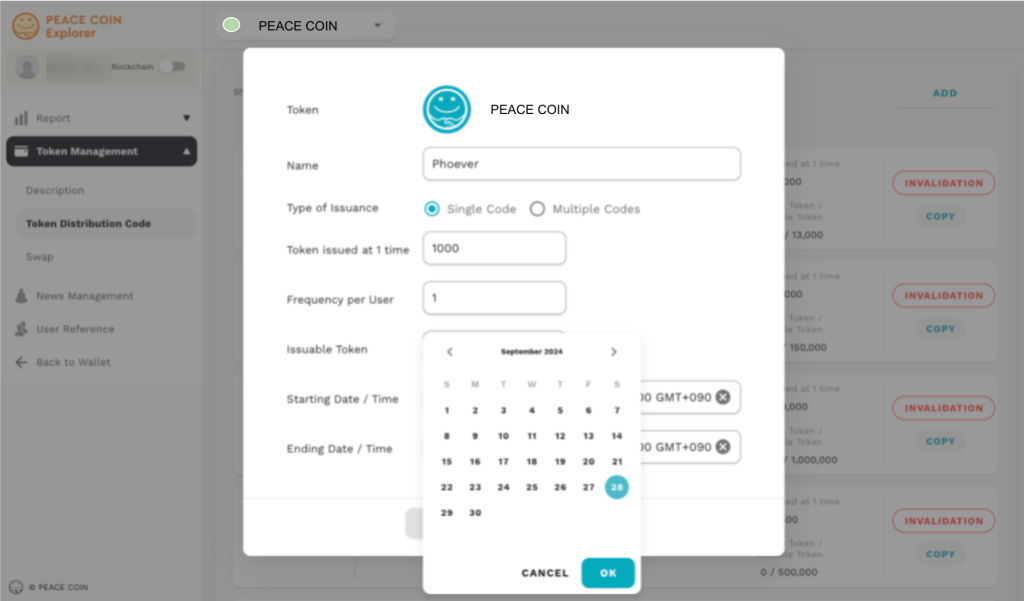

Finally, confirm the information you entered and select “Issue” to issue the token distribution code.
Swap
If you select “Swap”, the following screen will appear.
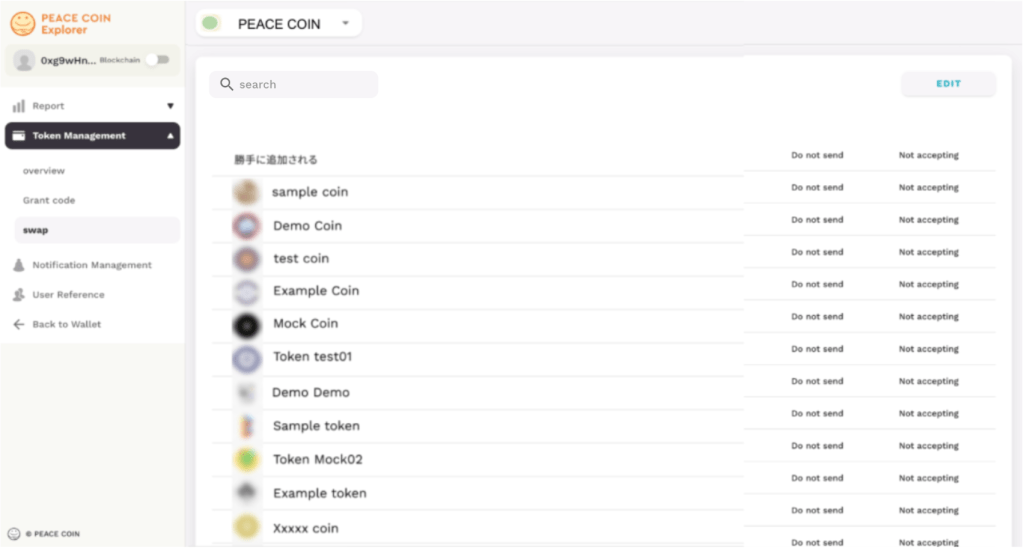
You can use the “Search” function to find tokens that will be added in the future.
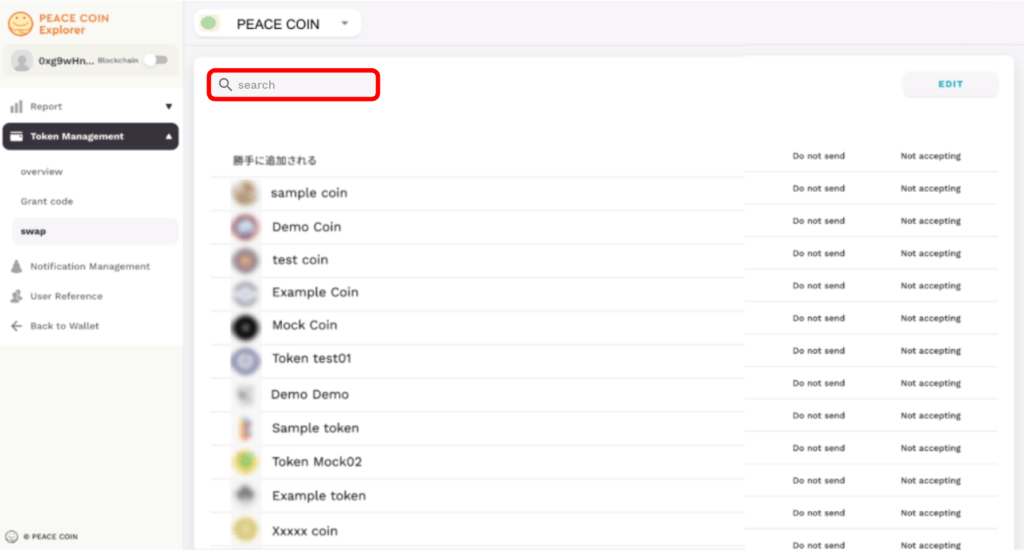
Select “Edit” on the right side of the swap screen.
You can choose to send or receive tokens to swap, as well as view the status of Auto-Add and your current settings.

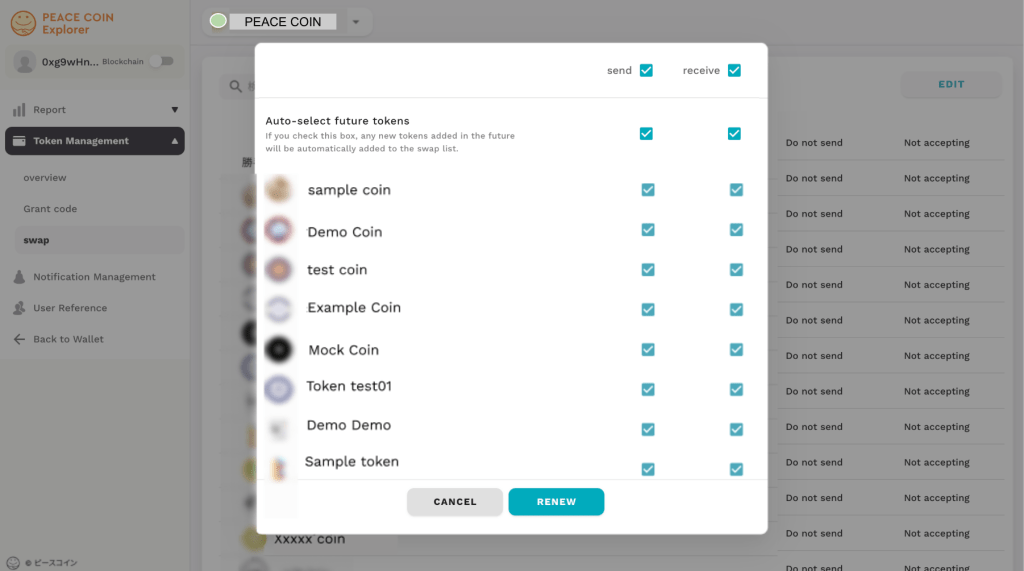
If you select Edit, the following screen will be displayed.
You can freely customize it by checking “Send” and “Receive”.